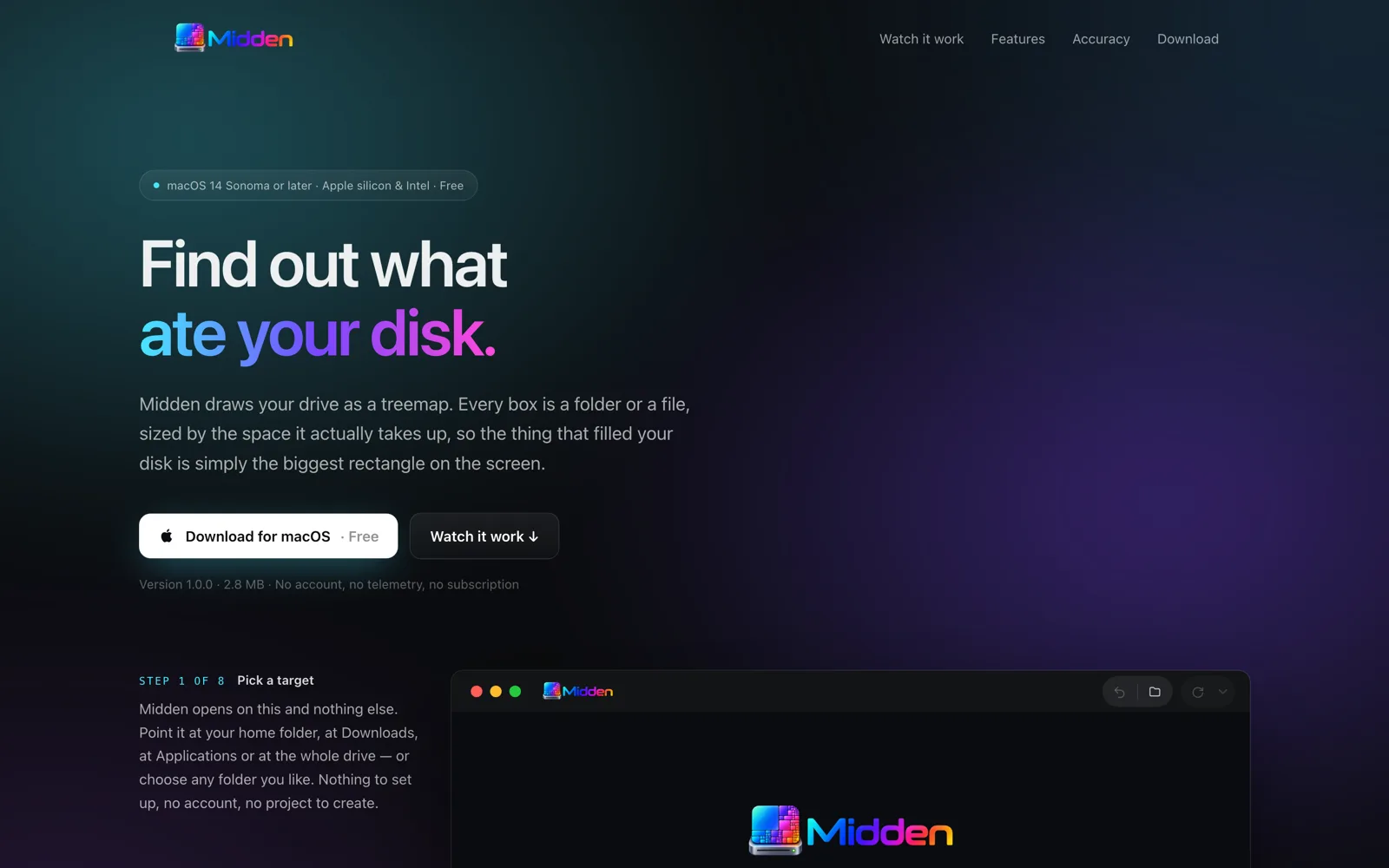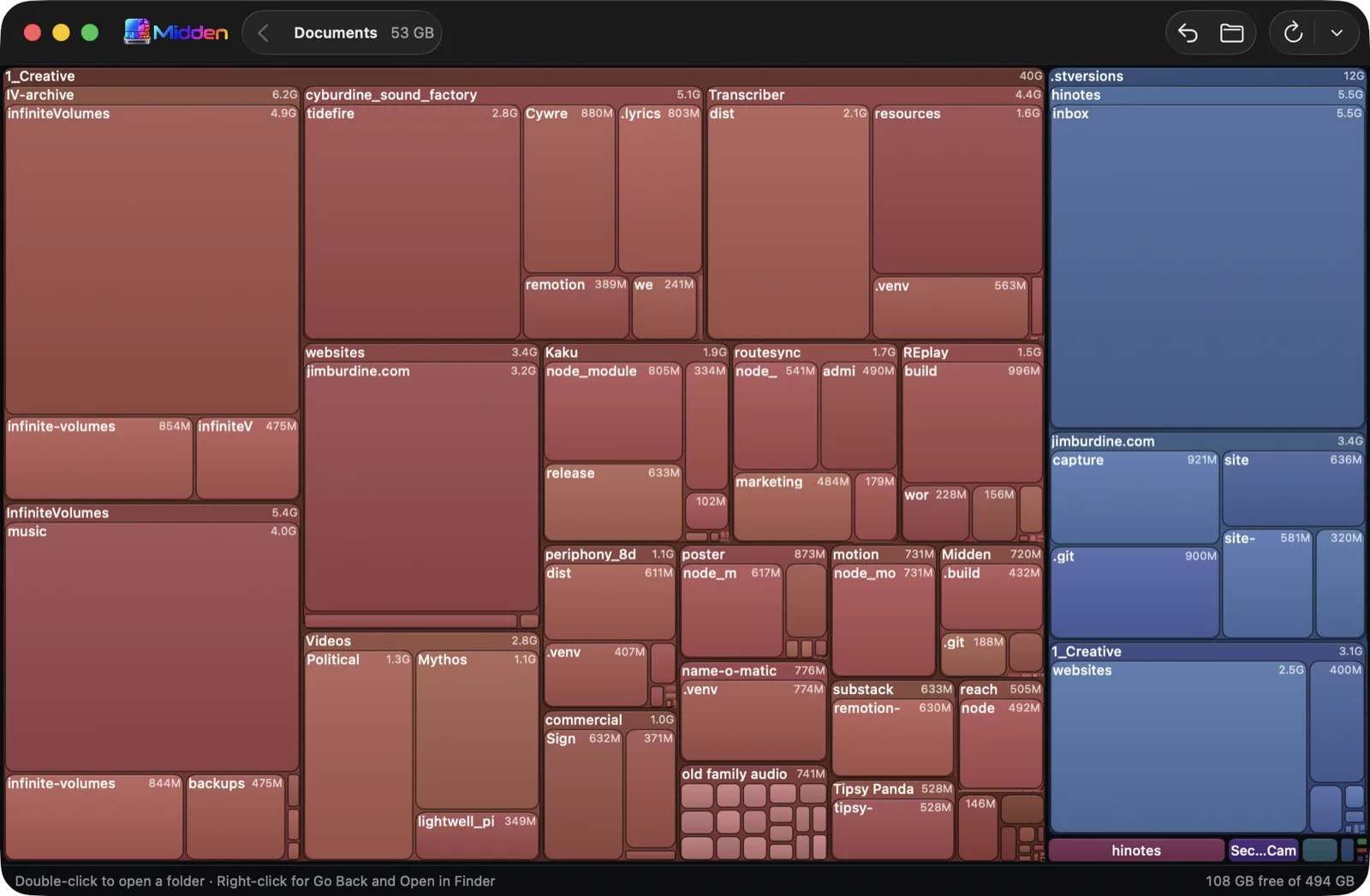
Midden draws your drive as a treemap. Every box is a folder or a file, sized by the space it actually takes up, so the thing that filled your disk is simply the biggest rectangle on the screen. No sorting, no drilling, no reading numbers off a list.
Double-click a folder to open it and redraw the map inside; double-click a file and it is revealed in Finder instead. Any breadcrumb segment jumps straight back to that level. Hover a box and it tells you its full size and its share of the folder you are looking at.
It is 2.8 MB, ad-hoc signed for local use, and sends nothing anywhere. When macOS refuses it access to Desktop, Documents, Downloads or an external drive, the app says so plainly and offers the two routes that do work rather than showing an empty map.
What it does
- Treemap of any folder, sized by real bytes on disk
- Double-click to descend, breadcrumbs to jump back out
- Reveal any file in Finder from the map
- Drop a folder on the icon, or launch straight into a scan
- Honest about permissions macOS won't grant
- No telemetry, no account, no subscription
A closer look